Deutsch
 España
 Francais
 Polish
 Čeština
 Greek
 Romanian
 Arabic
 Português
 Indonesian
 Croatian
 Serbia
 Farsi
 Mongolian
 Georgia
 Azerbaijani
 Thai
 Turkish
 Magyar
Printing the daily substitution


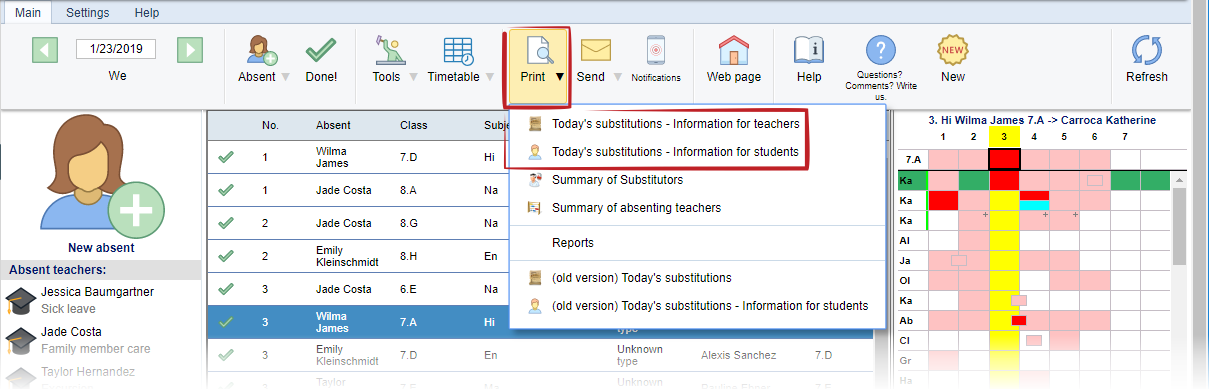
You can print todays's substitution in menu "Main - Print".
Advantages in short
This online report is more complex then previous table reports. It shows not only the substitution "teacher for teacher" but also events, the teachers take part in and due to which they cannot be present at their original lessons.
Settings
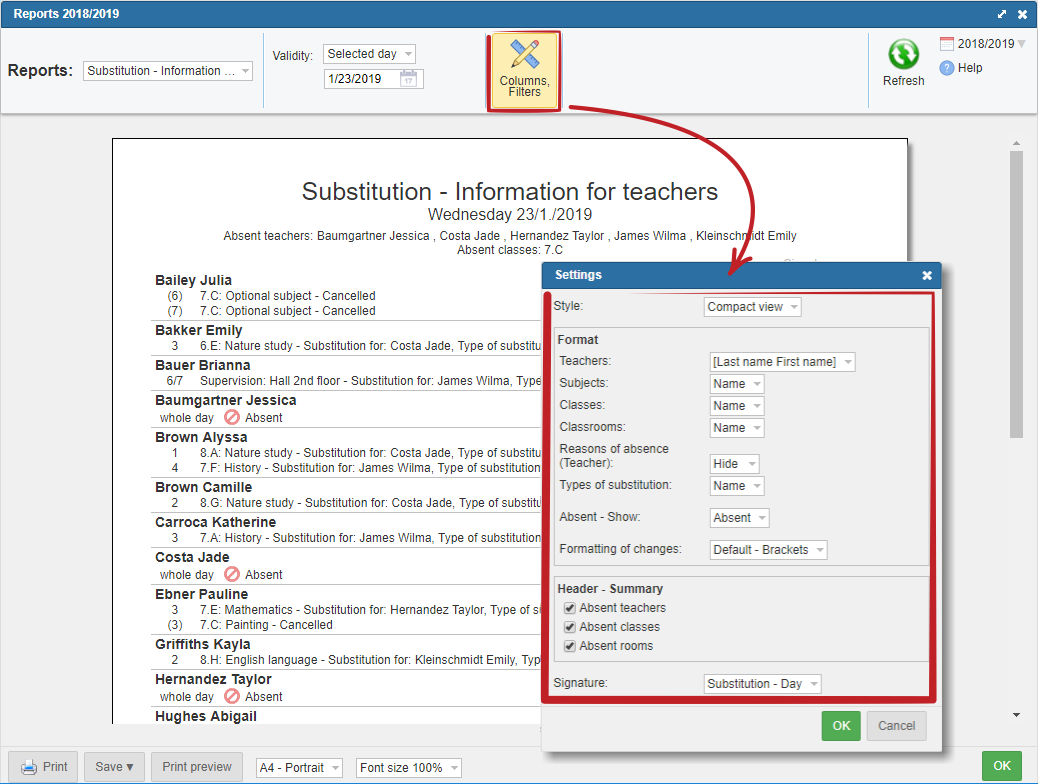
You can modify all settings in the administration by clicking on the icon „Columns/Filters“. There you can set up whether to show absent teachers, substitution types or add space for signature.
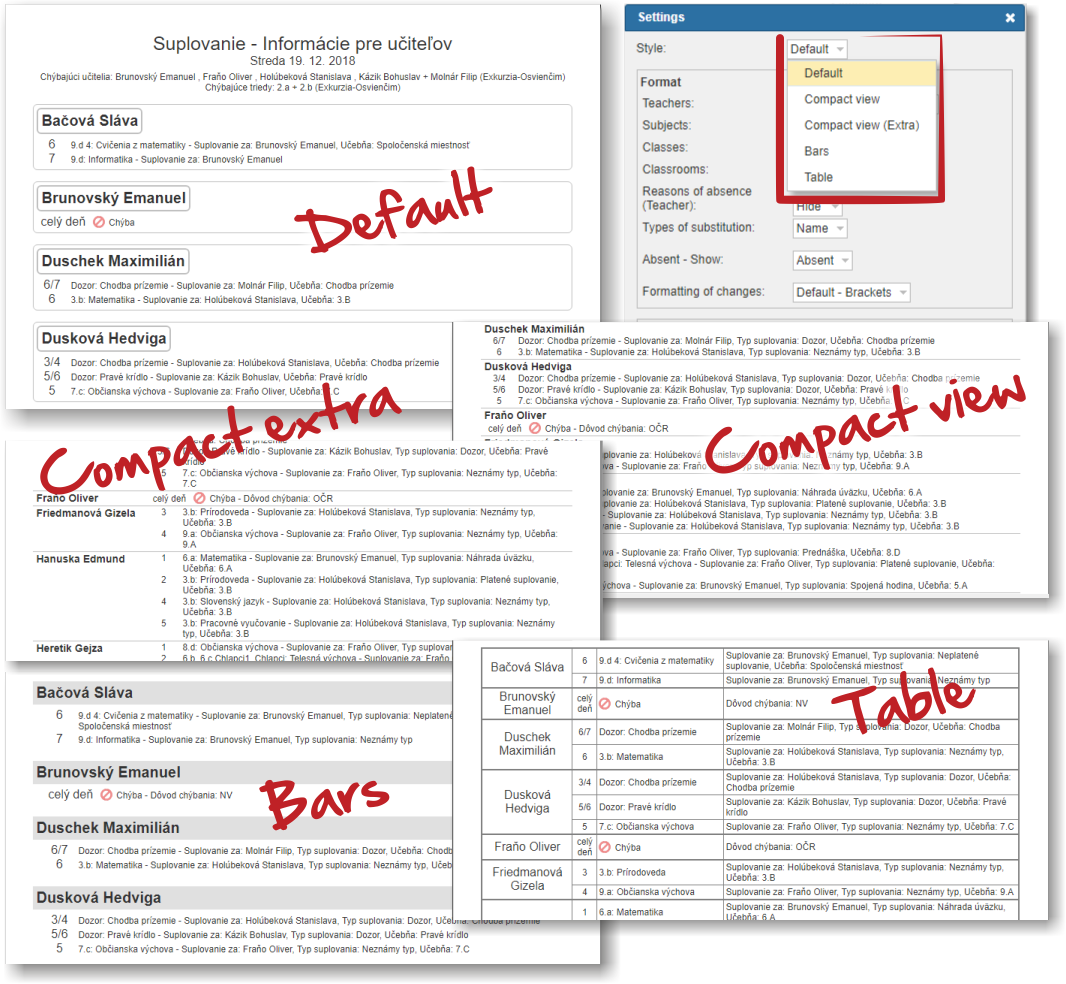
We have prepared several forms ( e.g. „Chart“, or „Compact“, that saves space when printing).
Examples of individual forms: