Deutsch
 España
 Francais
 Polish
 Russian
 Čeština
 Greek
 Lithuania
 Romanian
 Arabic
 Português
 Indonesian
 Croatian
 Serbia
 Farsi
 Hebrew
 Mongolian
 Bulgarian
 Georgia
 Azerbaijani
 Thai
 Turkish
 Magyar
Import the ASC TimeTables file from PC application


The most common way is simply to save your file from your local PC application, aSc Timetables, as described here: How can I save my timetable to online storage
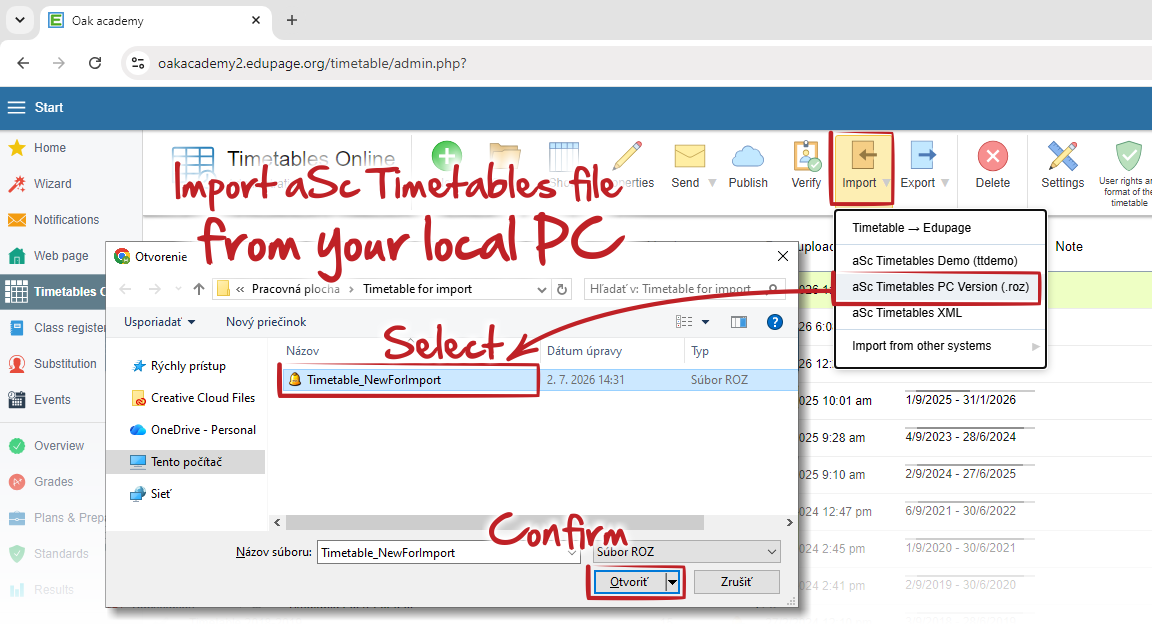
If, for any reason, you cannot use the offline application (e.g., you are a Mac user), you can import your offline .roz file in the administration of aSc Timetables Online via the menu “Import - aSc Timetables PC version”. Select your file from your local computer and confirm by clicking “Open”.
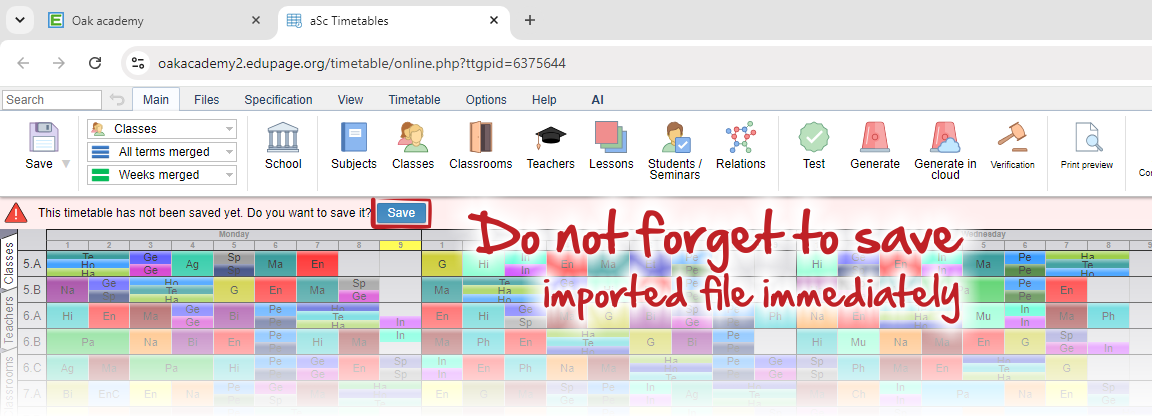
A new dialog with your file will open. We strongly recommend saving it first and making any other changes online later.