 España
  Francais
  Greek
Greek  Romanian
  Arabic
  Português
  Indonesian
  Croatian
  Serbia
  Farsi
Farsi  Mongolian
  Bulgarian
  Georgia
  Azerbaijani
  Thai
Thai  Turkish
  Magyar
 How to put a link to the uploaded file into the text?
insert file, link


Create a text module on EduPage website.
Click to enter text. In the text formatting toolbar click on Insert file.

A list of your uploaded files will then be displayed. You can choose files from your library or directly upload a new file.
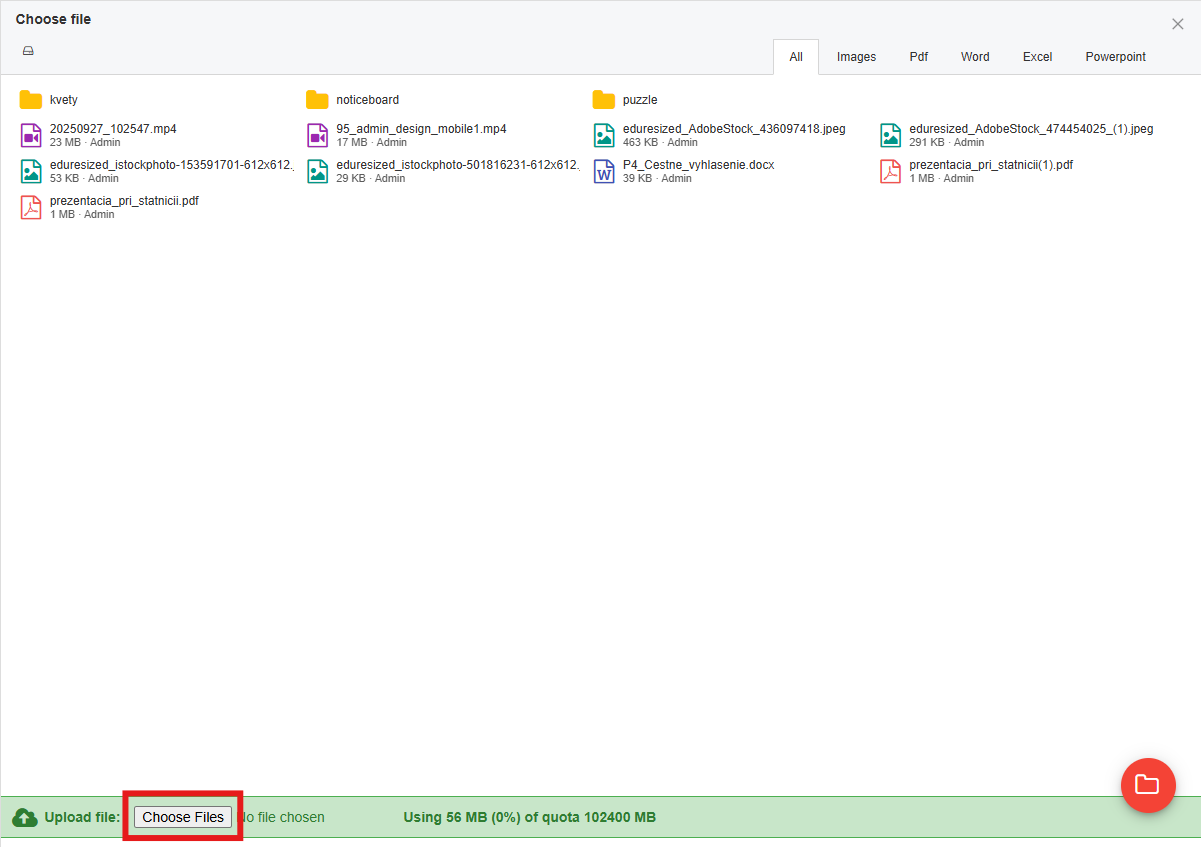
Link is added into the text onto the cursor position.

By clicking on the link icon you can also rewrite the displayed text.
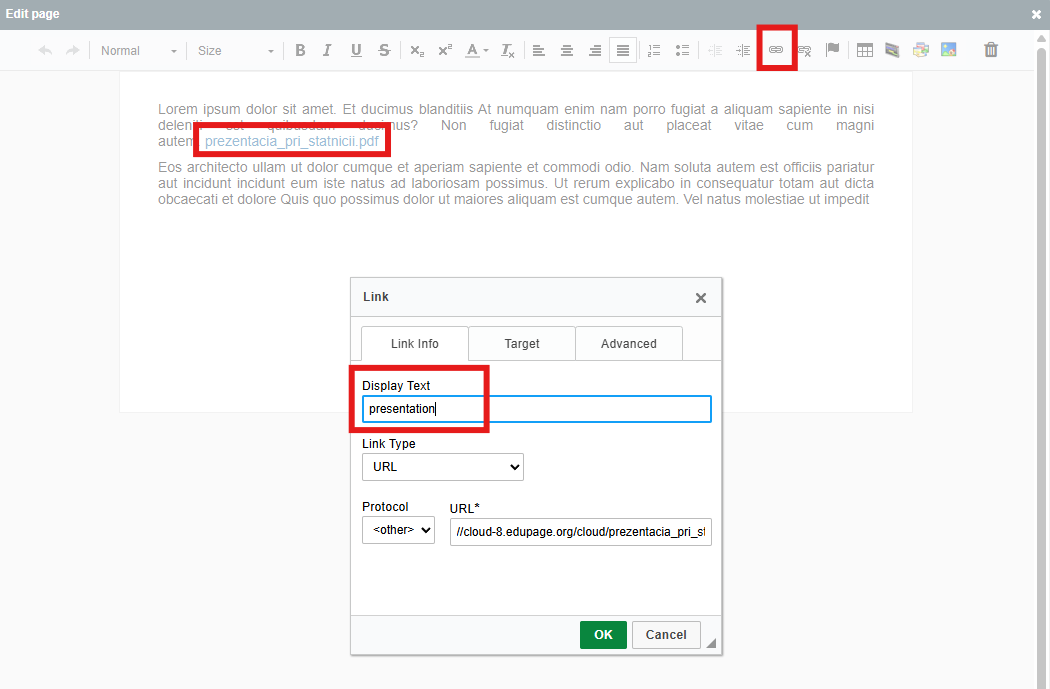
Save the changes and now your visitors can download this file from your EduPage.

See also:
How to upload a file to EduPage?
How can I put PDF/Word/Excel files on our EduPage?